Booking software for your Pilates studio.

Publish your timetable and the number of places in each class. Let clients book a single visit, use class-pack credit or reserve with recurring access. Your team has an attendee list for each session.

Publish each class with its available places.

Create recurring Experiences with dates, a host and capacity for each session. Clients choose an available date from your booking page, shared by link or embedded on your website.

Recurring class bookings 

Set capacity for the class you run

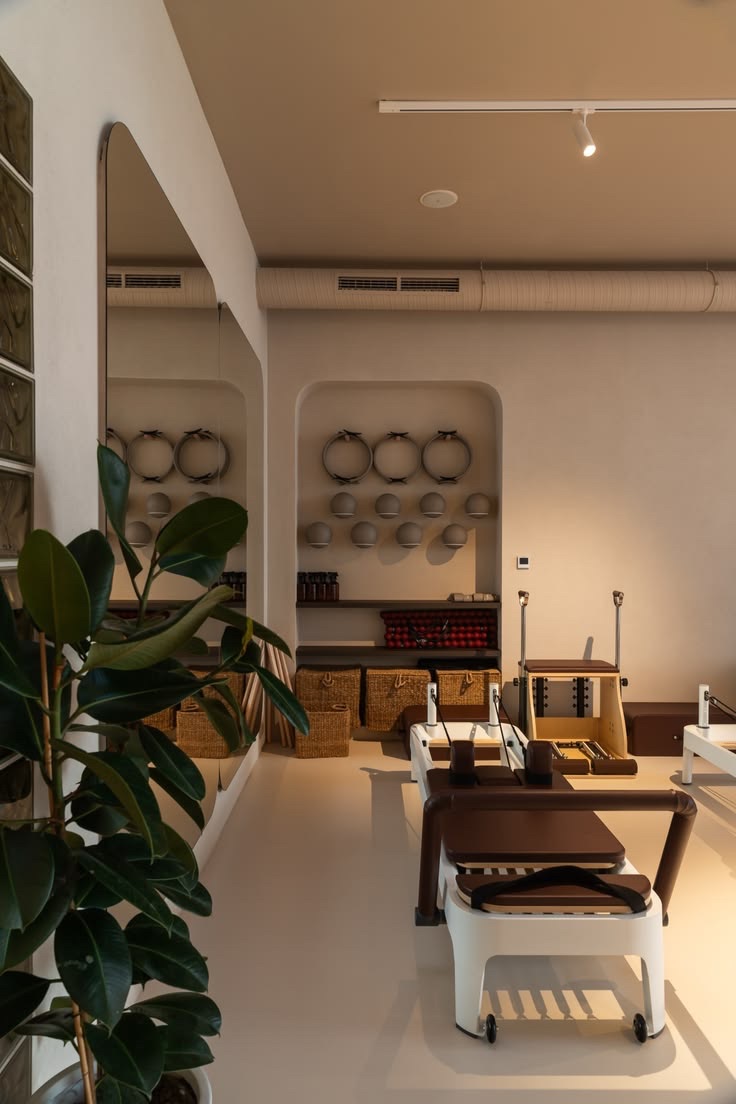
For a Reformer class, set the place limit to match the machines you can use.

How do capacity and resources differ?

Your team coordinates equipment, rooms and overlapping classes. A place limit does not reserve a particular machine, and assigning a host does not block their calendar.

Follow each booking through to attendance.

Open the participant list for a session to prepare for the class and record arrivals.

  1. A client reserves a date

    They buy one visit or use eligible credit or Subscription access. The booking reserves a place in that session.

  2. Your team prepares for the class

    Read registration answers against the relevant participant. When one buyer books for several people, each ticket holder can have their own details.

  3. Record who arrives

    Use QR check-in from a mobile browser with a reliable connection. The attendee record shows who booked and who checked in.

Contact the people booked for the class.

Send relevant updates to registered attendees, respecting opt-outs. Contacts keeps registration, check-in and message history together, and lists let you select returning clients for future invitations.

Messaging 
What happens when a place opens?

When a place opens, your team contacts people on the waitlist manually. Gomry does not automatically notify or enroll them. A waitlist entry is not a reservation.

Single classes, packs and subscriptions.

A class pack or Subscription gives clients access. They still choose an available session to reserve a place.

Single visits

A client chooses an available date and buys their place in that class. The booking applies to that session.

Single-session bookings 

Class packs

Sell a Bundle for selected Experiences, with an optional expiry. A client signs in and applies a credit when booking an available date.

Buying a pack does not reserve future places. One-off Event tickets remain separate.

Class packs 

Subscriptions

Offer a visit allowance per billing cycle or unlimited access to eligible Experiences. Subscriptions renew automatically; clients still choose available sessions.

Subscriptions have a separate checkout.

Subscription plans 

Use Aven for the work around your classes.

For a separately ticketed Pilates workshop, ask Aven to create the Event or update its details by message. Give it the workshop name, date, location and ticket details.

Ask Aven to prepare a Google Sheet of that Event’s participants when your team needs a working list. It uses the Google account you connect; sharing the sheet is a separate action. Your role, Space and connected-app permissions apply.

Aven and connected apps 

See how Gomry fits your studio.